Visual Target
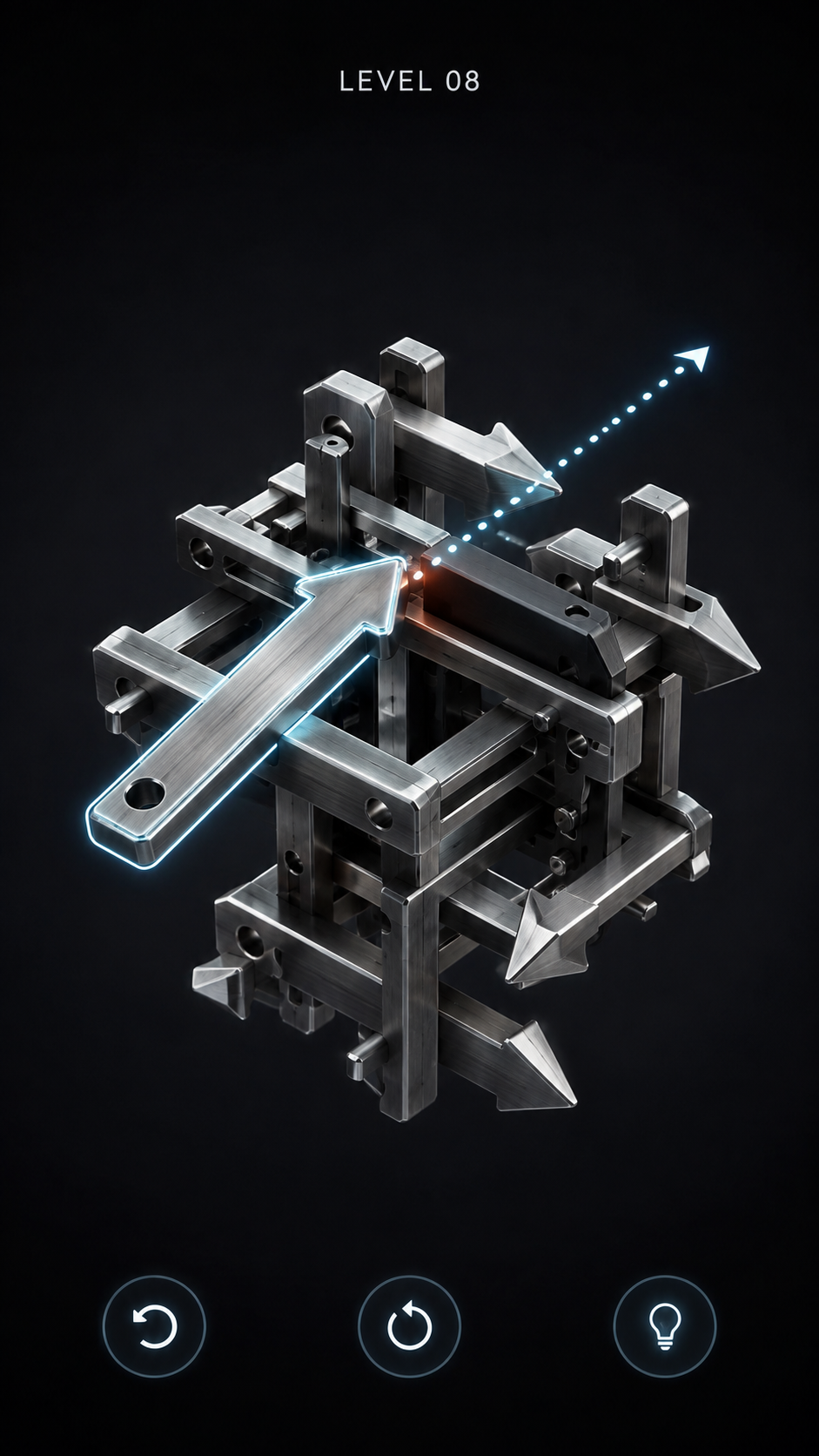
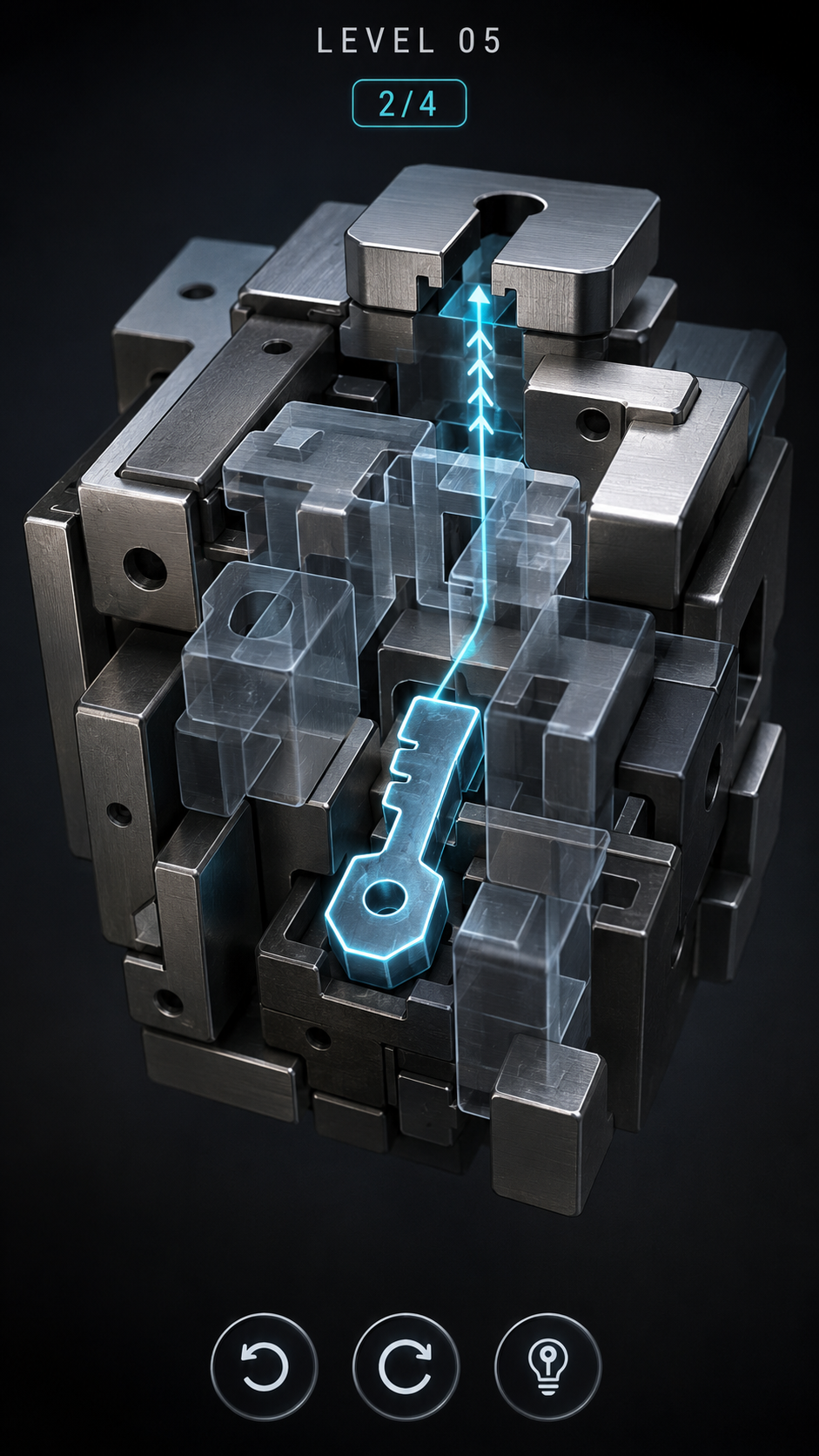
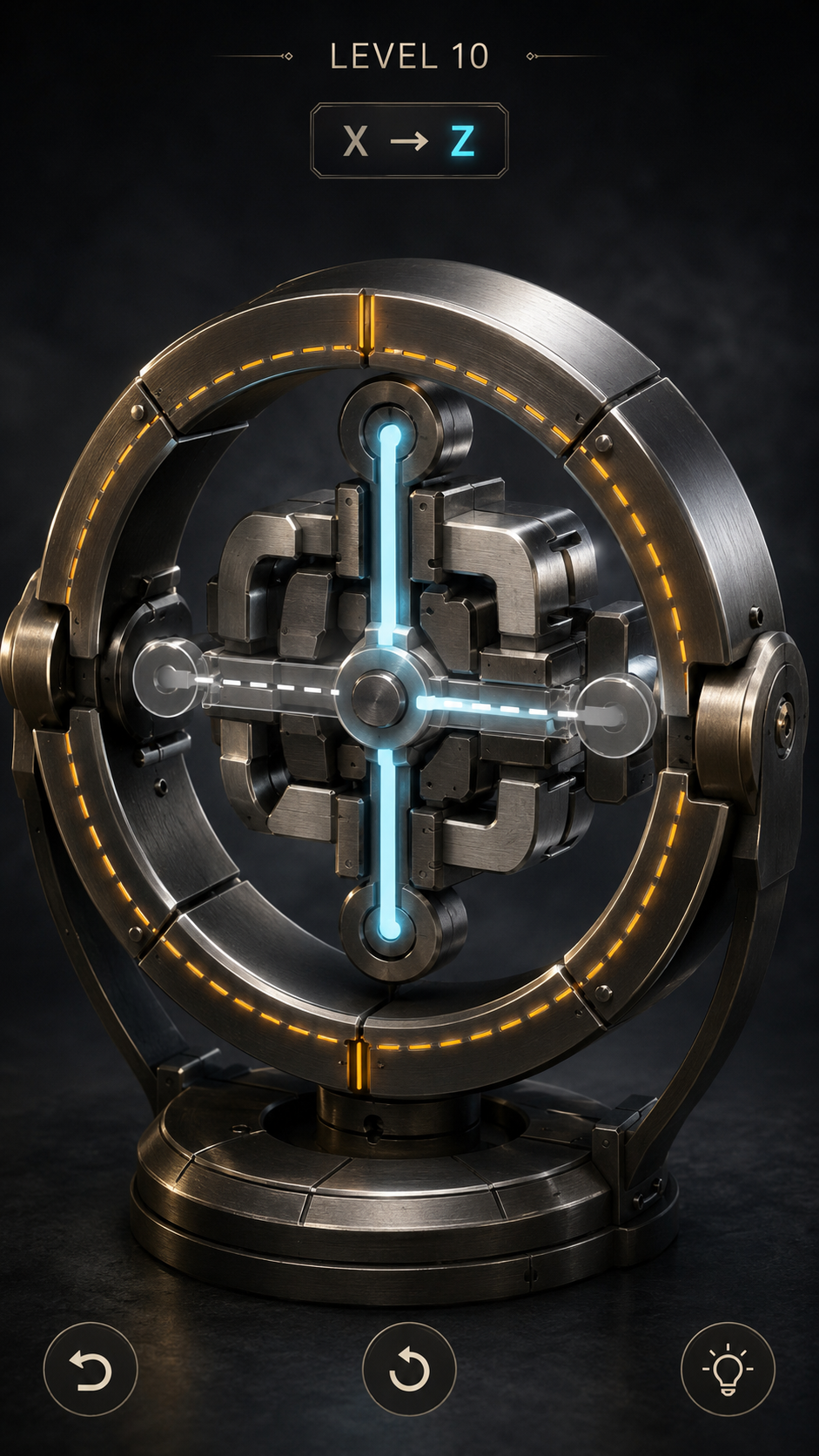
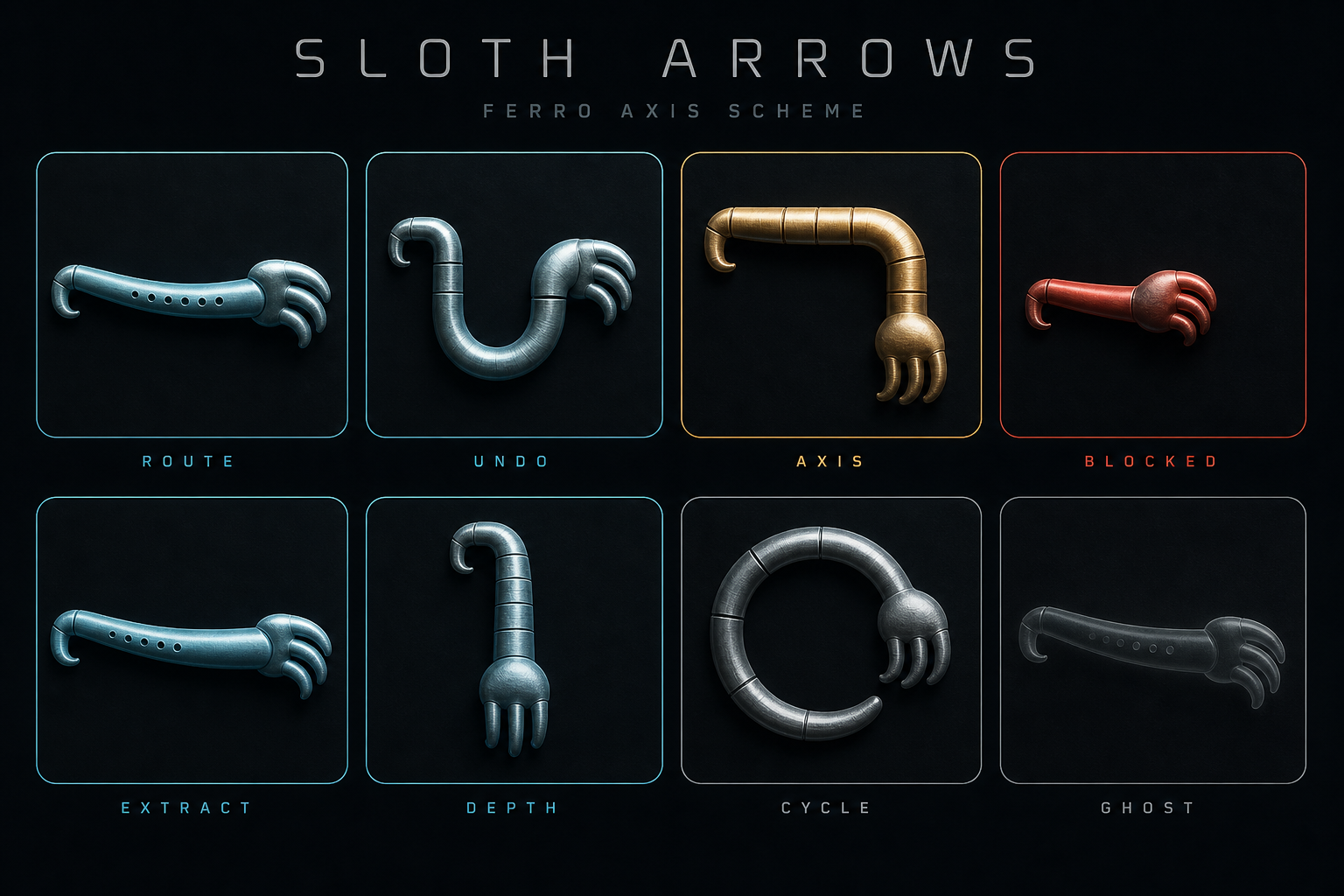
The screenshots in DesignReferences/ are the visual contract, not literal asset sheets.
Priority order
1. 01-core-gameplay.png — default camera, hierarchy, materials, HUD density
2. 02-deep-selection.png — ghosted foreground layers and depth selection
3. 03-axis-reroute.png — amber ring rotation and cyan path transition
Scene language
| Element | Target |
|---|---|
| Background | Near-black graphite with no visible room or horizon |
| Mechanism | Compact, centered, large enough to inspect without filling the HUD zones |
| Metal | Brushed steel, satin aluminum, dark titanium; controlled roughness, crisp cool key light |
| Active selection | Cyan edge accents and a dotted route; never tint the whole object neon |
| Axis control | Segmented amber ring with restrained glow and a mechanical 90° rotation |
| Blocked contact | Short red material pulse on the blocker; no screen-filling failure state |
| Deeper layer | Low-alpha blue-gray ghosting while hit targets remain usable through the depth control |
| UI | Thin rounded type, generous spacing, translucent black capsules, minimal copy |
Camera and motion
- Default camera: three-quarter front view, slight elevation, approximately 35–45 mm product-photo feel.
- Orbit range is intentionally limited to keep the puzzle readable.
- Standard moves: 0.28 seconds ease-in-out.
- Axis reroute: 0.38 seconds with the previous path visible for about 0.85 seconds.
- Extraction should feel decisive but calm. Avoid bounce, confetti, shake, or loot effects.
Device review checklist
- Selected route is readable against both steel and titanium.
- The ring remains tappable but does not visually dominate the core.
- Deep pieces can be selected through the depth pill without camera gymnastics.
- HUD clears the Dynamic Island and home indicator.
- Metal does not clip to white under the key light.
- Red is visible only during contact feedback.